Free
$0
- ✓ Paste any image URL
- ✓ Drag, resize, rotate, layer
- ✓ Canvas presets for social, print, and screen
- ✓ Export PNG & PDF
- ✓ No watermark
No signup to create or export.
Sign in to save, remove backgrounds, and share.
PasteCollage is a free online collage and moodboard maker. Paste an image URL or drag images from any browser tab, arrange them, and export a PNG or PDF. No signup, no watermark.

Free account
Pinterest, Google Images, Tumblr, design blogs. Anywhere a direct image URL exists. Or drag images straight in from another browser window. No download, no upload, full resolution.
Grab an image. Drop it on the canvas.
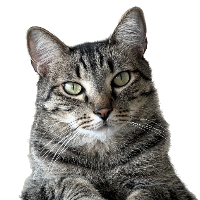
Cut anyone or anything to transparent. Five free per day with an account; unlimited on Premium.
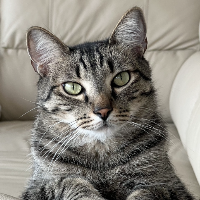 →
→
Type a prompt, see it land on your moodboard in seconds. Three free a day with an account; 30 a day with Premium.

Pick a style (Grid, Magazine, Polaroid, Scatter, or Mosaic) and your canvas rearranges itself in seconds. Or describe what you want with Custom Layout and we'll build it for you.
Six-photo bricks, asymmetric splits, magazine spreads. Drop your photos in.
140+ premium backgrounds, from soft paper to metallic finishes and natural scenes.
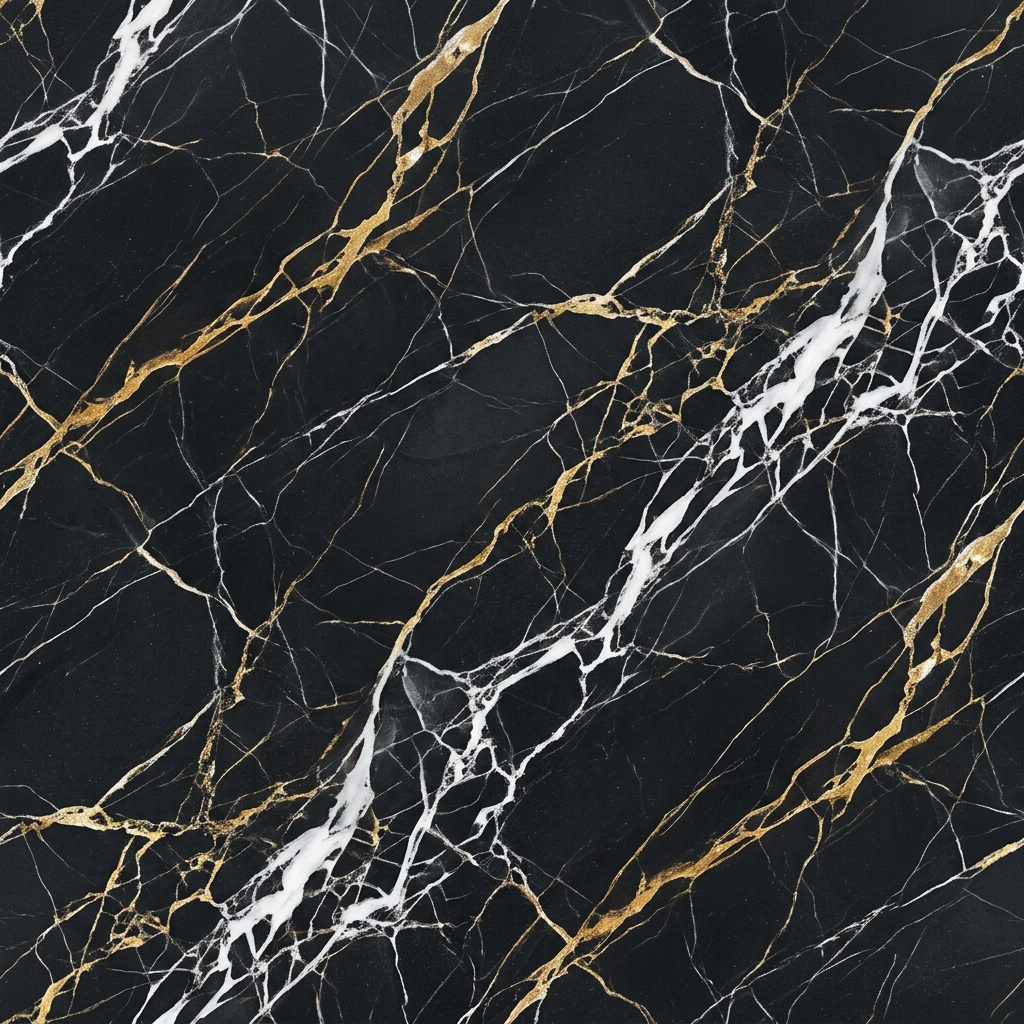
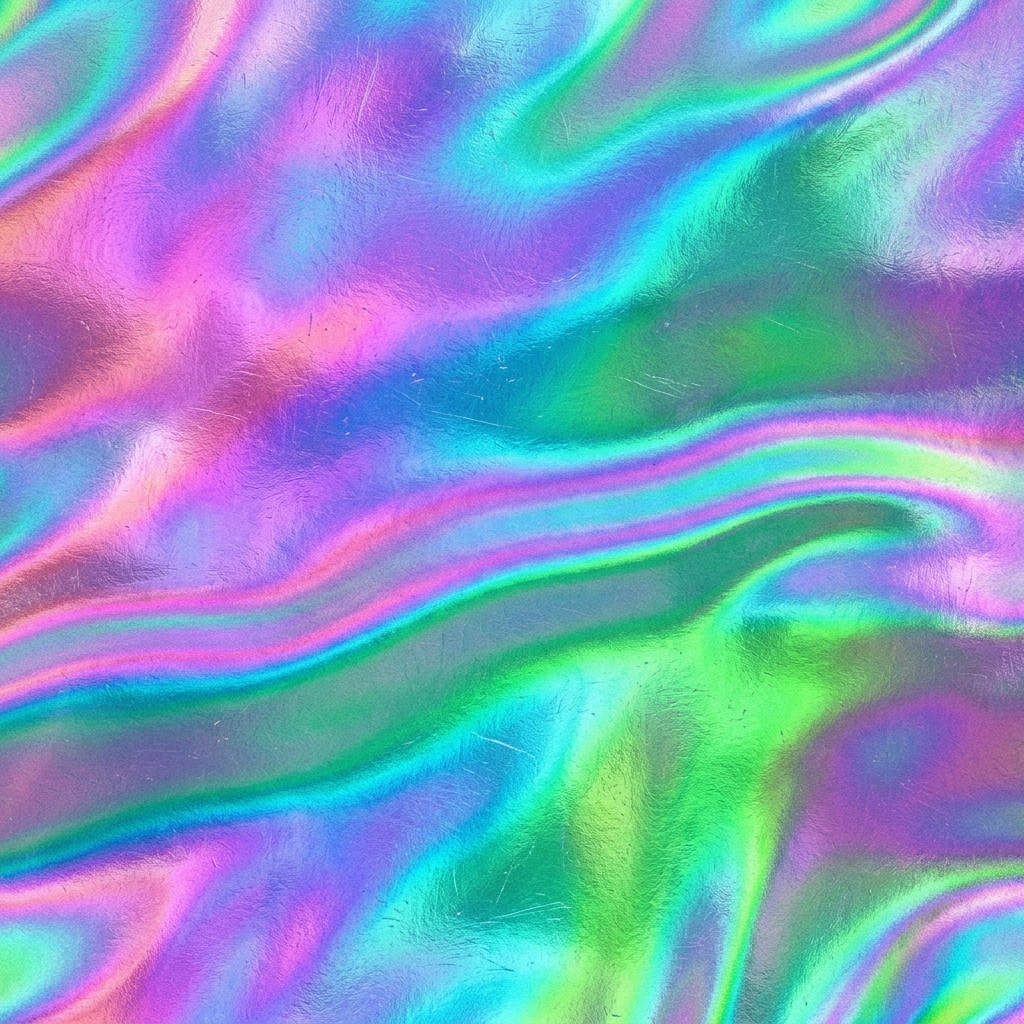
Sharp at any size, for decks, prints, or Instagram. Pick a canvas, hit export. No watermark on free exports.
How it works
A4 for print, 16:9 for decks, square for Instagram. Change anytime. Your layout sticks.
Right-click an image online, copy address, ⌘+V. Or drag from any browser window. Or drop a file.
Full-resolution PNG, print-ready PDF, or save it to your account to share via link.
Pricing
FAQ
Yes. Creating and exporting collages is free with no account. A free account adds saved collages and daily AI quotas; Premium raises those limits and unlocks the full template and texture library.
No. Open the canvas, add images, export. Sign in only when you want to save, share, or use AI features.
No. PNG and PDF exports are clean on every plan, including free.
Right-click the image, choose "Copy image address", and press Ctrl+V or Cmd+V on the canvas. You can also paste the URL into the input field, drag an image from another browser tab, or upload from your device.
PNG for screens and social, PDF for print. Canvas presets cover Instagram, Pinterest, A4 and letter; Premium adds custom sizes.
No signup to create or export · No watermark · Premium when you need more